Accounting Software for Freelancers: Free, Paid, or a Spreadsheet?
Accounting software for freelancers can be free or paid. Compare Wave, Zoho Books, Xero, QuickBooks and a spreadsheet by invoices, bank feeds and reports.
By Easy Bookkeeping Sheet by Cosmo Suite · Editorial policy
Published · 8 min read
General information, not tax or accounting advice.
Accounting software for freelancers is useful when it takes a job off your hands, such as sending invoices, importing bank transactions or sharing books with an accountant. If you only need to record income and expenses and see what is left each month, a spreadsheet may cover that work.
Look at the work that takes your time. An app may handle invoicing, bank imports, receipts or mileage. With a spreadsheet, you enter the records and review the totals yourself. The bookkeeping spreadsheet checks that matter at tax time can help you see what a sheet needs to do.
Accounting Software for Freelancers at a Glance
Wave and Zoho have free US plans. Xero Early has invoice and bill limits. A spreadsheet stores records without app automation. Choose based on the work you need it to do, then compare the price.
| Option | Published US price checked 1 Nov 2026 | What it covers | Check before you choose |
|---|---|---|---|
| Wave Starter | $0 | Basic accounting and invoicing | Payment processing has separate fees; bank imports and receipt capture are listed with Pro |
| Wave Pro | $19/month | Starter plus automatic bank imports and receipt capture | Billed monthly per business profile |
| Zoho Books Free | $0 | Invoices, expenses, mileage, reconciliation and reports | US page lists a $50,000 financial-year revenue threshold, plus yearly limits of 1,000 invoices and 1,000 expenses |
| Xero Early | $27/month | Bank reconciliation, reports, quotes and limited invoices and bills | The plan lists 20 invoices and 5 bills; check current plan details before signing up |
| Spreadsheet | One-time purchase | Entries and category totals you manage | You enter the transactions and handle billing elsewhere |
Wave’s Starter plan is free, and its Pro plan adds automatic imports and receipt capture. Wave lists its current US plans and fees here. Zoho Books lists a Free tier for eligible US businesses, with limits on annual revenue and transactions. Its plan page shows the current limits. Xero’s Early plan is $27 a month after the US price change that took effect on 1 October 2026. Xero lists its plan limits and current price.
At the time of checking, Xero was also showing an introductory discount for eligible new US subscribers. The table uses the regular price before that offer. Check the checkout total and how long the offer lasts before choosing a plan.
At list price, Wave Pro costs $228 over 12 months and Xero Early costs $324. The Easy Bookkeeping Sheet costs $9 once. These plans cover different features: Wave and Xero include app workflows the workbook does not. Payment processing and add-ons can also change what you pay.
If you only need to enter transactions and review totals, a spreadsheet for income, expenses, tax and profit can be enough. You still enter the records and handle client billing elsewhere. For a price-focused comparison of QuickBooks, see what QuickBooks and its alternatives cost.
What job are you paying the app to do?
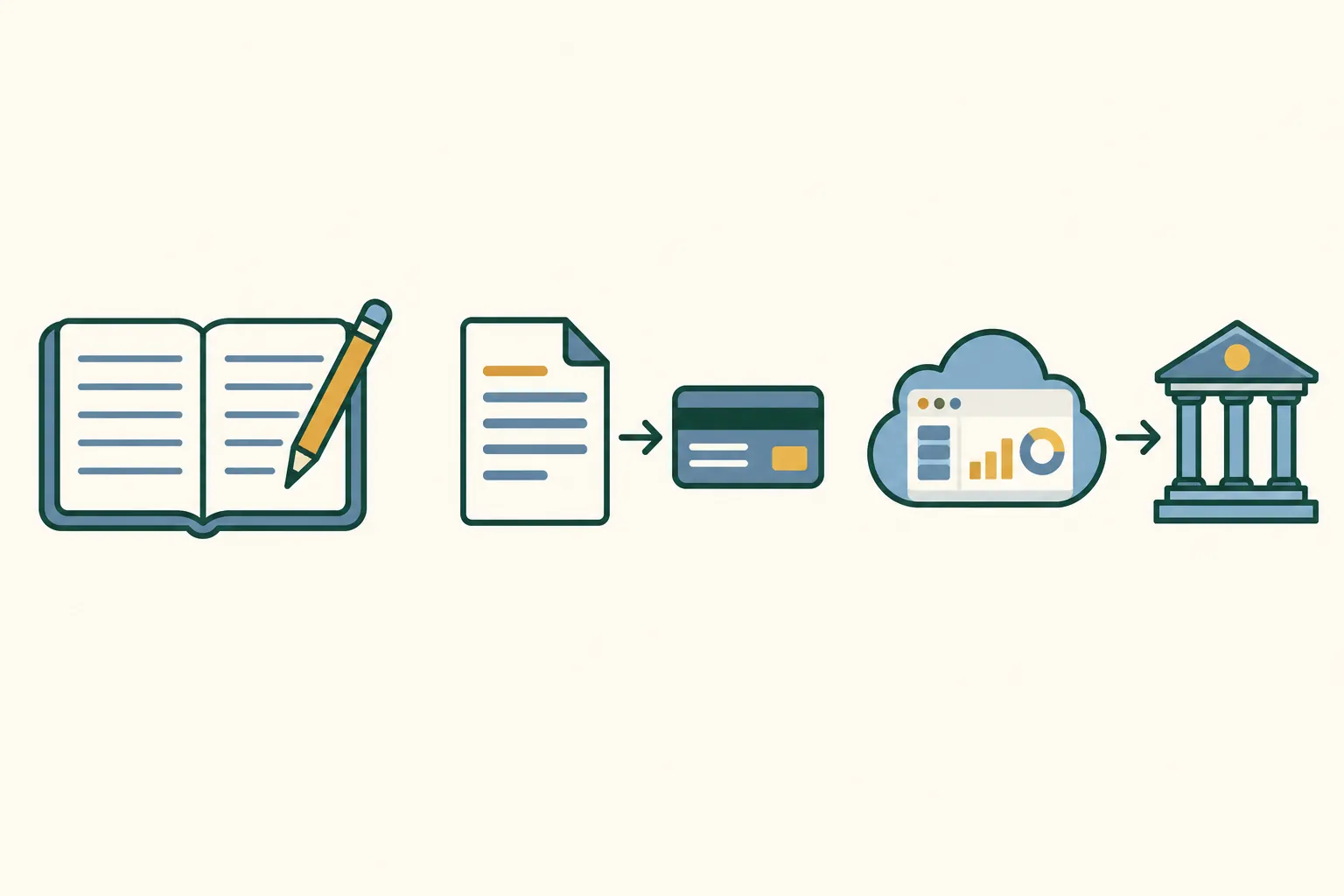
A monthly fee may be worthwhile when the app handles work you would otherwise do by hand. The common jobs are billing clients, collecting payments, importing transactions, saving receipts, tracking mileage, and letting an accountant see the same books.
You need invoices and reminders. A spreadsheet can list what a client owes, but it will not send the invoice or remind them to pay. Wave Starter includes estimates and invoices. If you need more billing features, compare paid plans and payment processing fees before you decide.
You need bank transactions imported. If you review many transactions each month, a bank connection can reduce manual entry. A bank feed is a connection that imports account transactions into an app. Reconciliation checks those entries against the bank statement. Wave lists automatic imports on Pro. Xero lists bank reconciliation in Early. You still have to review the feed. It does not decide whether every transaction is categorized correctly. Cash purchases and missing or duplicated entries still need a process.
You need to collect receipts or mileage. Check whether the specific plan includes receipt capture and mileage tracking. QuickBooks Solopreneur describes automatic transaction imports, mileage tracking, receipt photos and profit-and-loss reporting on its official product page. For a closer look at what the solo plan does and where it stops, read the QuickBooks Solopreneur review.
Your accountant needs access. A shared app can let you and your accountant work from the same records. Zoho Books Free lists one user plus one accountant. Wave Pro lists additional users. Confirm whether your accountant wants a certain system before you move a year of records.
If the recurring task is just entering income and costs, a bookkeeping workbook with tax and profit tracking may be enough. It does not replace the invoicing or transaction-feed tasks above.
When can a free plan cover the work?
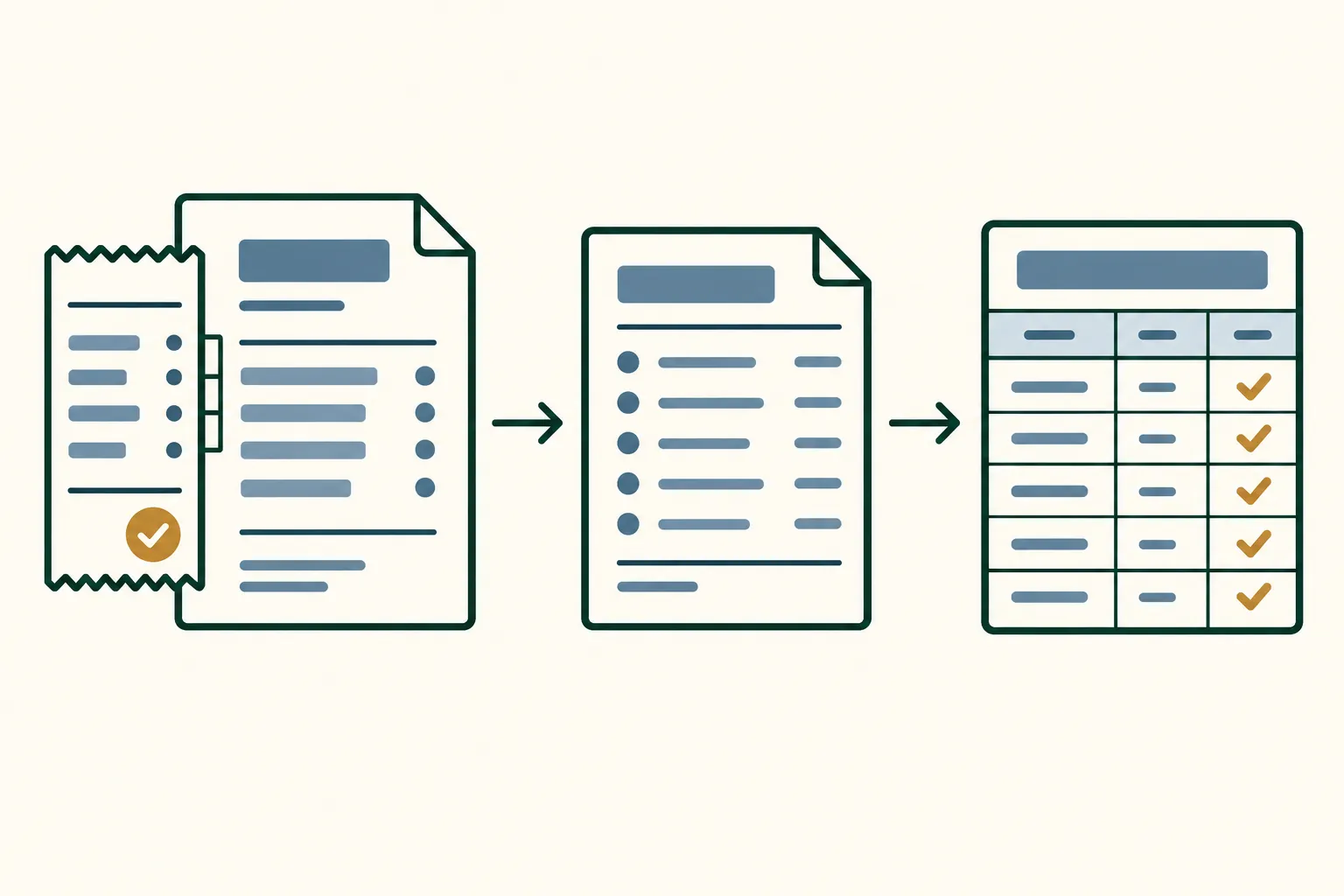
A free plan is enough when its limits fit your business and you can live without the paid features. Check the plan details, not just the word “free.”
Wave Starter is $0 and includes bookkeeping records, estimates, invoices and bills. Wave says bank imports and receipt capture are part of Pro, listed at $19 per month in the US. Its payment page also lists separate processing charges for online payments. You can start with free invoicing, then pay for automation if you need it.
Zoho Books Free has a different boundary. Its US plan page lists a $50,000 financial-year revenue threshold, up to 1,000 invoices and 1,000 expenses a year, and one user plus one accountant. It includes mileage tracking, bank reconciliation and financial reports. If your work fits those limits, the paid plan may not be necessary. If revenue or transaction volume crosses the limit, check the next plan before the change catches you by surprise.
Every free plan has its own limits. Payment processing, users, invoice caps and bank feeds can add costs or require an upgrade. Check both the plan you can use now and the tier you would need next.
What changes when you keep books in a spreadsheet?
A spreadsheet gives you a place to record entries and review totals. You keep control of categories and summaries, but you also enter transactions and manage invoices, receipts and bank activity outside the sheet.
The Easy Bookkeeping Sheet has seven tabs across setup, income and expense entries, and monthly and annual overviews. It works in Excel 365 and Google Sheets. You can set categories, record tax on entries and view profit by month or year. It does not include bank feeds, invoicing, payroll, mileage, receipt scanning, tax filing or tax advice.
The IRS says a business may choose a recordkeeping system suited to it, as long as it clearly shows income and expenses. It also says supporting documents such as invoices and receipts contain information to record in the books. A spreadsheet can summarize entries, while supporting documents need their own place. Read the IRS recordkeeping guide. This describes recordkeeping, not tax treatment or advice.
The workbook’s test data shows the recordkeeping side. It contains an income entry of $100 and an expense entry of $80, both dated 15 April 2025, in categories called “test” and “test 2.” Select April 2025 in the monthly period control and you can inspect the month’s entries and summary. This is sample workbook data, not a freelancer’s real account. It demonstrates the record-and-review workflow; it does not show a client invoice, bank import or receipt scan.
A spreadsheet can organize records, but it leaves billing and bank matching to you. Choose software if those are the jobs you need it to handle. If you are happy to enter simple records yourself, a spreadsheet set up for monthly and annual bookkeeping can keep the entries and category totals together.
How do you decide which route fits?
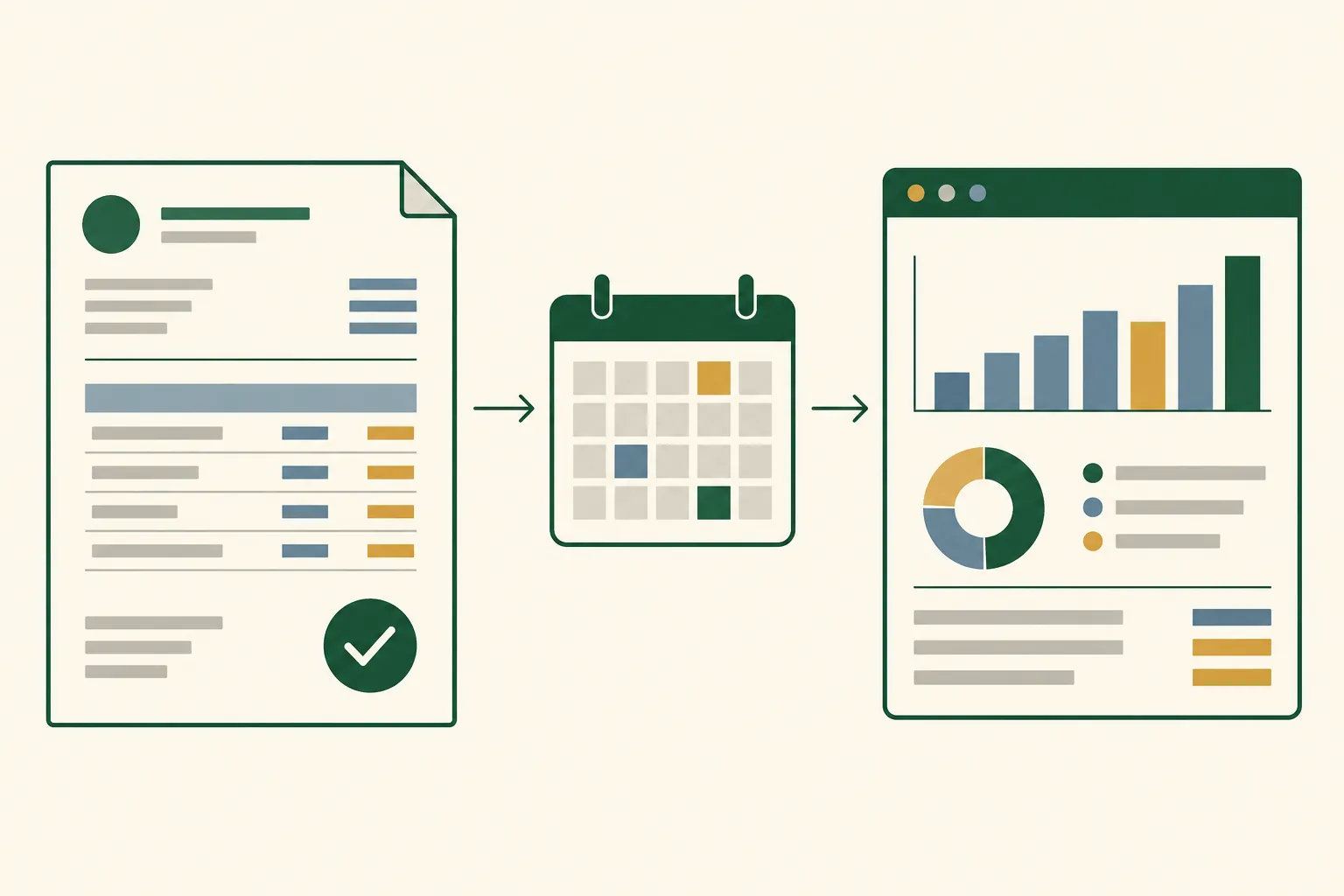
Choose the simplest tool that handles the jobs you need. Before starting a trial or buying a workbook, ask:
- Do you need to invoice clients or take payments? If yes, shortlist accounting or invoicing software. Compare what is free with the card or bank-processing fees.
- Do you need automation? If bank imports, receipt capture, mileage or shared access saves real time, compare the tiers that include those features. Check the regular price after promotions.
- Are you mostly keeping records? If you already bill clients elsewhere and can enter income and expenses yourself, a spreadsheet may do the recordkeeping job. Make sure it can show the categories and period totals you need.
Moving records takes time. Before moving, export your data, ask your accountant which records they need, and test one month in the new system. Check that the new categories still make sense, that opening balances are handled, and that you can find the same period totals you relied on before. If your accountant prefers a particular file or app, that can settle the question. You do not want to change systems at year-end and discover that the export is missing a report you need.
Why Trust This Article
The Cosmo Suite team makes the Easy Bookkeeping Sheet, so we have a reason to favor a spreadsheet when it fits. We checked Wave, Zoho Books, Xero and QuickBooks’ own product pages on 1 November 2026. Read about this site and our editorial policy. The workbook example uses its test entries, not customer data. This is general information, not tax or accounting advice. Ask a qualified professional about your situation.
Where the Easy Bookkeeping Sheet Fits
The Easy Bookkeeping Sheet is for a freelancer who wants to enter income and expenses and see monthly or annual totals in a workbook. It costs $9 once and includes an Excel file, a Google Sheets version, a PDF guide and a tutorial. Setup lets you choose categories, and the entry tabs track income, expenses, tax and profit.
It is a recordkeeping workbook. It will not send an invoice, pull a bank transaction, scan a receipt, track mileage, run payroll, file a tax return or tell you what to deduct. Keep using software if those tasks matter. If you mainly need a one-file way to track income, expenses and profit, compare the workbook’s tabs with the records your accountant asks you to keep.
Frequently asked questions
Does a freelancer need accounting software?
A freelancer needs a way to keep clear income and expense records. Software is useful when you need invoices, bank imports, receipt capture, mileage tracking or shared access. A spreadsheet can work for simpler records that you enter yourself.
What free accounting software is available to freelancers?
Wave Starter is free for basic accounting and invoicing. Zoho Books also lists a free US plan for eligible businesses, with a $50,000 financial-year revenue threshold and annual invoice and expense limits. Check the official plans before signing up.
Can freelancers use a spreadsheet for bookkeeping?
Yes, if the spreadsheet clearly records income and expenses and the freelancer can keep it current. A spreadsheet does not send invoices, import bank transactions or scan receipts for you.
When should a freelancer switch from a spreadsheet to accounting software?
Consider software when invoice follow-up, bank imports, receipt capture, mileage, or accountant collaboration would save enough time to justify the plan. Compare the exact features you use and the price after any promotion ends.
Is Wave Starter free?
Wave lists Starter at $0. Payment processing has separate fees, and automatic bank imports and receipt capture are among the features listed with its $19 monthly Pro plan. Prices and features can change.
What is the difference between a spreadsheet and accounting software?
A spreadsheet is a place to enter and summarize records. Accounting software can add workflows such as invoicing, bank connections, receipt capture, and collaboration. The right choice depends on which of those tasks you need.
Sources
Keep reading
Software vs Spreadsheet
7 Cheaper QuickBooks Alternatives That Do the Same Job for a Small Business (2026)
QuickBooks alternative options grouped by why you are leaving: 7 picks with list prices checked 3 Oct 2026, a 3-year cost table, and what you give up in each.
· 8 min read
Software vs Spreadsheet
QuickBooks Solopreneur Review: What Self-Employed Users Lose, and Who Can Skip It
QuickBooks Solopreneur review for former Self-Employed users: what moves, what is lost (tags, vendors, custom categories), the price, and who can skip it.
· 7 min read
