How to Organize Business Receipts: A Simple System
How to organize receipts for a small business: name folders, match each document to a transaction, and keep a clear year-end record trail.
By Easy Bookkeeping Sheet by Cosmo Suite · Editorial policy
Published · 7 min read
General information, not tax or accounting advice.
To organize business receipts, give each file a consistent name, keep it in a dated folder, and point the matching bookkeeping entry back to that file. This makes it easier to move from a transaction total to the document that supports it.
The IRS says supporting documents can include sales slips, paid bills, invoices, receipts, deposit slips, and canceled checks. It also says the records should be orderly and kept in a safe place, such as by year and type of income or expense. Your system can be a folder on a computer, a paper file, or a mix, as long as you can find the source for each entry.
A receipt is a source document that supports a transaction entry. An invoice or statement may add details when one file does not explain the full purchase or payment.
Business Receipt Filing at a Glance
| Method | How it works | Main trade-off | Best for |
|---|---|---|---|
| One folder per month | Save every document by the month it arrived or was paid | You may need to search within a busy month | A small number of monthly transactions |
| Year, type, then month | Separate income and expense files under each year | Folder setup takes a little more care | Owners who want a year-end pack by record type |
| Paper envelope by month | Keep paper originals together, then mark them against the books | Finding one item later depends on clear labels | Owners who prefer paper records |
| Digital folder plus bookkeeping note | Name the file and record its location beside the transaction | You need a backup and readable file names | Owners who enter transactions on a computer |
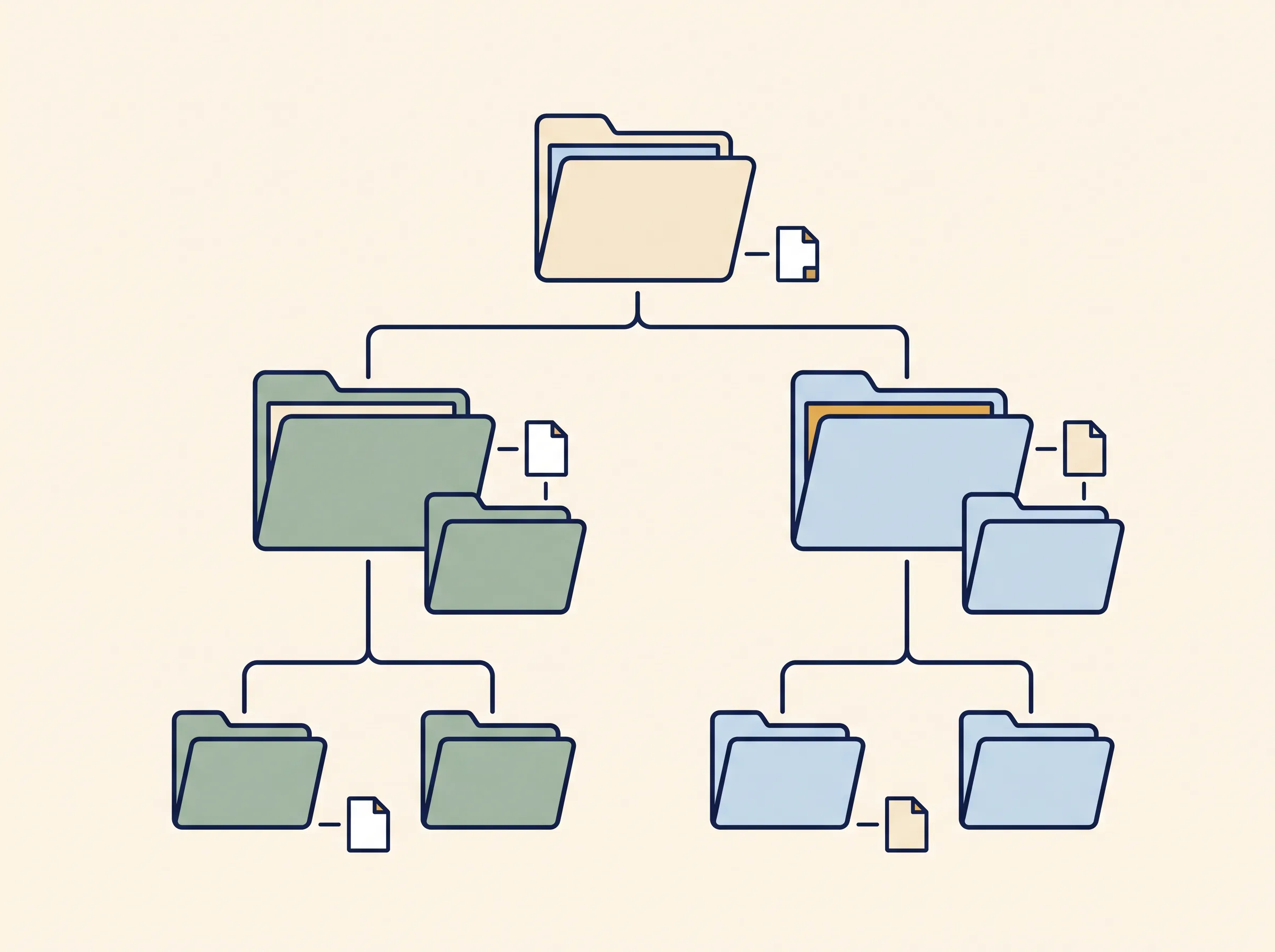
For a one-person business, a year folder with income and expense subfolders is usually enough to start. If you already think by month, keep that structure and use the same labels each time. The file name and bookkeeping note should make the relationship clear.
If you're building the books from scratch, a bookkeeping spreadsheet with one category list and a year view can hold the transaction summary while the receipt files stay in their own folder.
What should each receipt file be called?
Use a predictable pattern that lets you recognize the document without opening it. A simple format is YYYY-MM-DD_payee_amount_category. For example, a file name could use the receipt's date, the shop or service name, the amount printed on it, and the category you use in your books. Do not put full card numbers, tax IDs, or other private details in a file name.
The date and payee help you distinguish similar purchases. The amount gives you another way to compare a document with a bank or card statement. The category connects it to your bookkeeping summary. If the receipt is faded or the vendor name is unfamiliar, add a short description from the transaction rather than guessing at what it was for.
Keep the original document unchanged when you scan or photograph it. If you add a note, put it in the filename or a separate index. Store the file where you can open it later, and make a backup outside the device that holds the working copy.
How do you match a receipt to a transaction?
Match the document to the entry using several details together: date, payee, amount, payment method, and what the purchase was for. A single detail can be ambiguous. A card statement may show a payment processor name, while the receipt names the shop. A receipt may show the purchase date while the payment clears later.
The IRS says purchase records should identify the payee, amount paid, proof of payment, date incurred, and a description that shows what the item was. It notes that a combination of supporting documents may be needed. So an invoice and a bank line can work together when one shows what you bought and the other confirms payment. Keep both files and link them to the same transaction entry.
Sometimes the receipt and the payment line use different names. A card statement may show a processor or parent company, while the receipt names the shop. Keep both documents together and use the description on the receipt to identify the purchase. For cash, keep the receipt with the entry and write a short note that identifies what you bought. Use only details you can support from the source document or your own records.
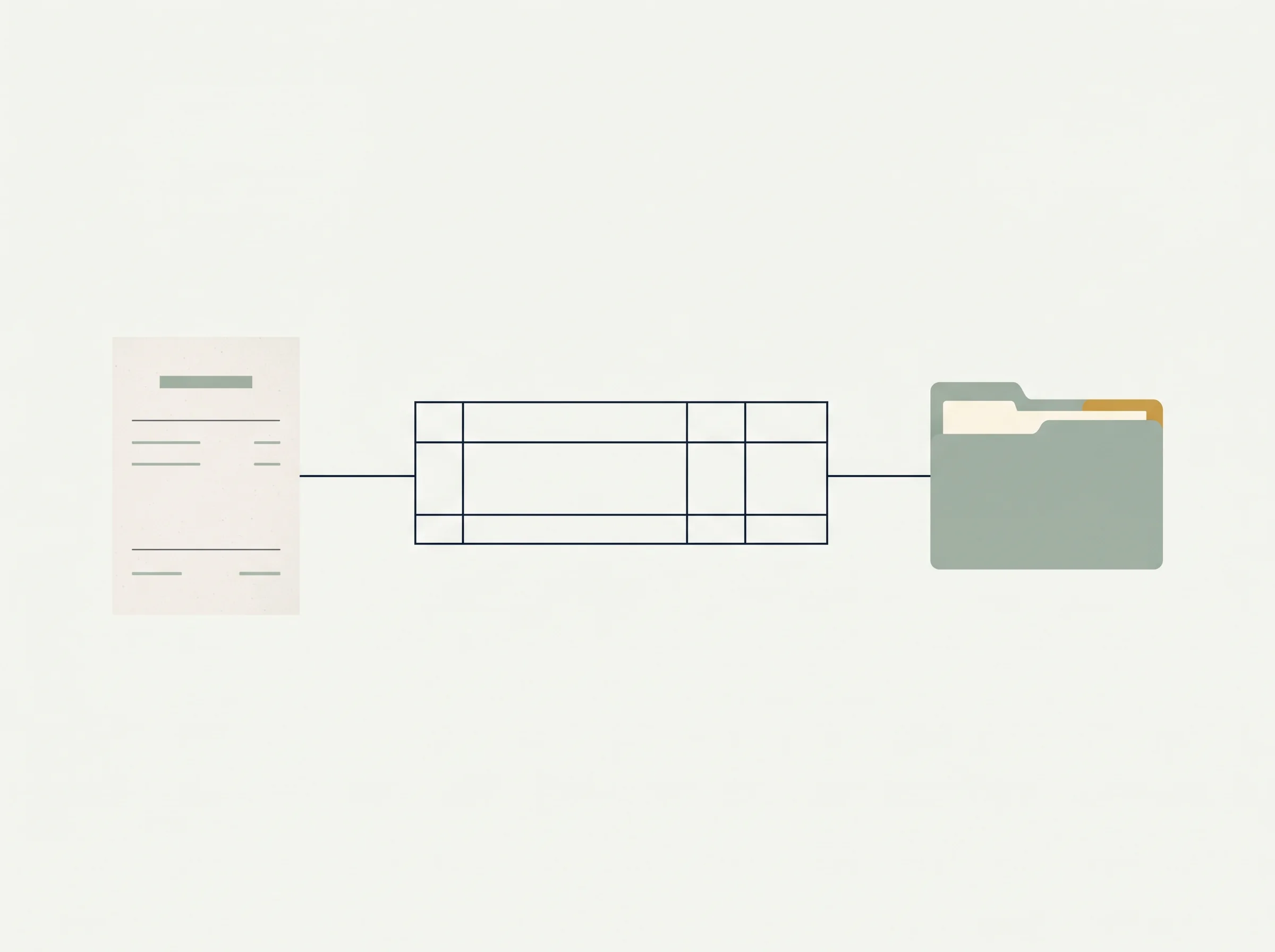
For each entry, add a short reference such as the receipt file name or folder path in the notes field. If you use paper records, write the same reference on the paper copy or index page. That way, someone reviewing the books can move from the line item to its support without relying on memory.
What does a receipt-to-entry example look like?
Here is a format example using placeholders, not a real expense or tax claim. It shows how one transaction can point to the files that support it.
| Bookkeeping field | Example entry | Matching record |
|---|---|---|
| Date | Purchase date from the document | Receipt or invoice |
| Category | Your existing expense category | Category list in the books |
| Description | Short explanation of the business purchase | Receipt description or a note you add |
| Amount | Amount recorded in your books | Receipt and payment evidence |
| Payment method | Cash, bank, or card label | Statement, canceled check, or other proof of payment |
| Notes | Saved file name or folder location | The document itself |
A clear trail comes from consistent labels and matched documents. Pick one category name and one naming style, then use them for every similar transaction. A small business bookkeeping template organized around repeatable categories can help with the summary side of that process.
How should you review the folder each month?
At month end, compare your transaction list with the business bank or card activity you use. Look for an entry without a document, a document without an entry, or an amount that does not match. Mark it for follow-up while the purchase is still familiar.

Then open a few files from the folder and check that their names are readable and their contents are clear. If someone else needs to review the books, the date, payee, amount, and description should make sense without a long explanation. If you use paper, check that the writing and printed details remain legible.
For digital records, keep a second copy and test that it opens. Avoid a folder system that depends on a single email inbox or a temporary app account. The IRS says electronic record systems are subject to the same basic recordkeeping principles as paper records. They still need to give a complete and accurate record of the data.
If you want a quick year-end check, confirm that each month has both the transaction summary and the documents that support it. The IRS recordkeeping guidance says good records help identify income, track expenses, prepare statements, and support tax return items. A bookkeeping spreadsheet that brings income and expenses into monthly and annual views can organize the totals. Keep the source files alongside it, with a second copy.
Which business documents belong with receipts?
Keep the supporting papers that explain each transaction, including invoices and statements as well as small receipts. The IRS lists invoices, paid bills, deposit slips, canceled checks, account statements, sales slips, and receipts among possible business records. For some purchases and expenses, more than one document may be needed to show the amount, payment, date, and business purpose.
An invoice can explain what a vendor charged. A bank or card statement can show that payment left the account. A receipt can identify the goods or service. Together, they may explain more than any one document alone. Save each item under the same transaction reference or put them in a clearly labeled subfolder.
For property that you use in the business, keep purchase and sale documents with the asset records. The IRS says these records can be needed to calculate depreciation and gain or loss when the property is disposed of. They may need to be kept longer than an ordinary expense receipt. See the IRS periods for keeping business records and ask a tax professional about your circumstances.
The IRS record-retention guide for business records explains why the period depends on the record and the event it supports. Use your folder names to help you find a document later. Do not use them to decide when a record is safe to delete.
Why Trust This Article
The Cosmo Suite team makes the Easy Bookkeeping Sheet, so we have a product interest. This guide uses IRS pages on supporting business documents, electronic records, and transaction records, checked October 30, 2026. State, contract, and industry requirements can add their own rules. This article is general information, not tax advice. See our About page and Editorial Policy for how the site handles product and source information.
Where the Easy Bookkeeping Sheet Fits
The Easy Bookkeeping Sheet holds income and expense entries and carries them into monthly and annual overviews. Its notes field can point you to a file, but the workbook does not scan or store receipt images. Keep your receipts and statements in a separate filing system.
If you want a bookkeeping spreadsheet with editable categories and monthly and annual summaries, the Easy Bookkeeping Sheet is a $9 one-time purchase for Excel and Google Sheets. It suits simple books. It does not provide bank feeds, receipt scanning, invoicing, payroll, or tax advice.
For the full recordkeeping rules, see the IRS guide to what business records to keep. For a wider category and year-end structure, start with these bookkeeping spreadsheet checks.
Frequently asked questions
How should I organize business receipts?
Save each receipt in a dated folder, then connect it to the matching income or expense entry. Use a consistent filename and keep a backup of digital records.
What should I write on a receipt for bookkeeping?
Record the date, payee, amount, payment proof, and what you bought or received. Add the expense category and a note that points to the saved document. The IRS says a combination of documents may support all parts of a purchase or expense.
Can I keep business receipts digitally?
Yes. The IRS applies its recordkeeping principles to electronic records too. Keep files complete, readable, accessible, and backed up.
Do I need a receipt for every business expense?
Keep supporting documents for your business transactions. Depending on the transaction, evidence may include a receipt, invoice, account statement, or proof of payment. Check IRS guidance and ask a tax professional about your situation.
How do I match receipts to bank transactions?
Use the date, payee, amount, and payment method to locate a likely match. Confirm that the receipt describes the same purchase, then record the file name or folder in your bookkeeping notes.
How long should I keep business receipts?
The IRS period depends on what the record supports and the return involved. The general income-tax period is often three years, with exceptions. Property and employment tax records can follow different timelines.
Can a bookkeeping spreadsheet store my receipts?
A spreadsheet can organize transaction details and help you find documents, but the Easy Bookkeeping Sheet does not scan or store receipt images. Keep source files in a separate folder with a backup.
Sources
Keep reading
Bookkeeping Basics
How Long to Keep Business Records: A Simple Guide
How long to keep business records depends on the document. See the IRS periods for income, employment, and property records, plus a simple filing routine.
· 7 min read
Bookkeeping Basics
Bookkeeping Spreadsheet: 5 Checks Before You Trust It at Tax Time
Bookkeeping spreadsheet checks: 5 tests your sheet must pass before tax time, a worked month with real numbers, and when software is the better pick.
· 8 min read
Bookkeeping Basics
Bookkeeper vs Accountant: Which One a One-Person Business Needs First
Bookkeeper vs accountant: who records and who advises, which one a one-person business needs first, and when a simple sheet covers the bookkeeping.
· 8 min read
